
More variables, more interpretation
As categories, impacts, controls, financial assumptions and relationships grow, a manual workbook becomes harder to review consistently.
Resources / Excel migration
Excel is powerful when the register is simple. As variables, owners, access needs, versions and reporting demands grow, a shared file can stop being a dependable system of record.
Transition without disruption
Migration is a guided movement, not a blank-page replacement. Start with the sheet, validate the structure, then strengthen the record around it.
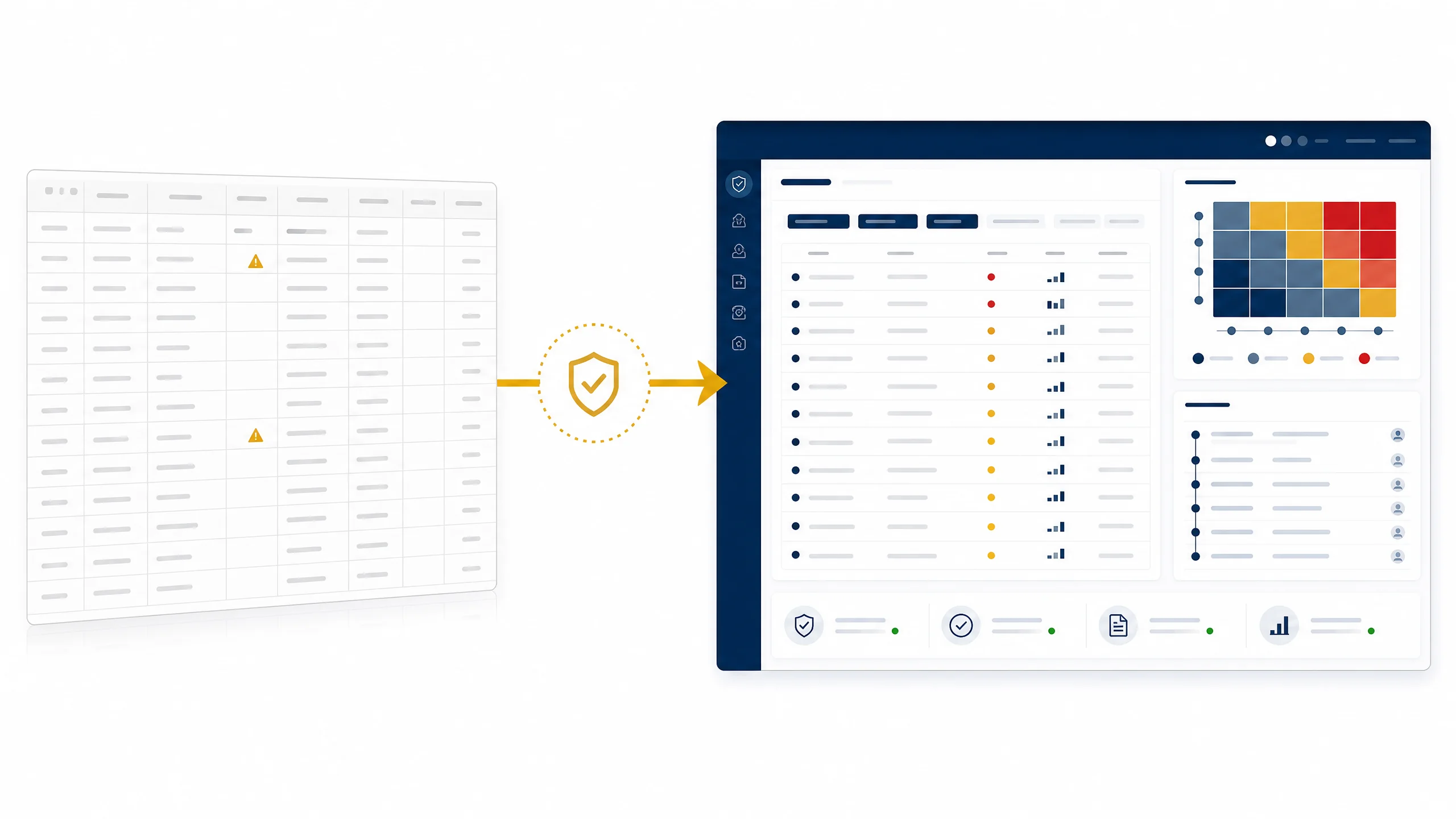
Where a spreadsheet reaches its limit
Excel remains valuable for local analysis and familiar reporting. The challenge begins when one register has changing assumptions, many contributors, multiple project views and decisions that need to be explained later.
As categories, impacts, controls, financial assumptions and relationships grow, a manual workbook becomes harder to review consistently.
When several contributors can edit the same file, teams need to know which change is current, who made it and what decision it informed.
Manual consolidation can obscure the relationship between the source risk, its treatment action and the executive signal that follows.
A governed record helps preserve context, access expectations and history while keeping Excel available as an input or output.
Visible evidence
See the platform in context
A focused demonstration is the quickest way to explore MQRisk against your current method, constraints and risk structure.
Request a Demo